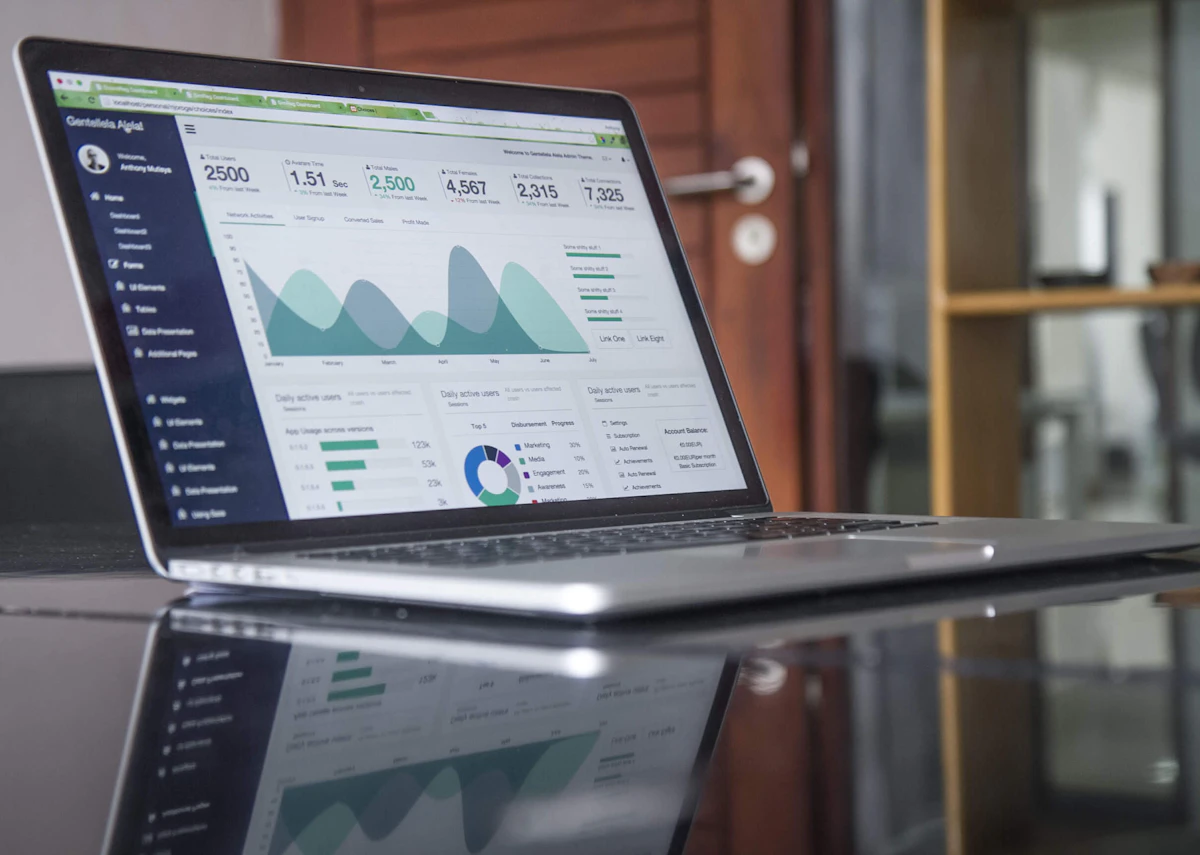
Web Performance Toolkit
A collection of tools and resources for measuring and improving web application performance.
Performance Measurement Tools
Performance Auditing Tools
Google Lighthouse
Open-source tool for auditing performance, accessibility, SEO, and best practices. Available in Chrome DevTools.
Visit ToolPageSpeed Insights
Analyzes web pages and provides suggestions to make them faster on both mobile and desktop devices.
Visit ToolWebPageTest
Free tool for testing website performance from multiple locations around the globe using real browsers.
Visit ToolNetwork Analysis Tools
Chrome DevTools Network Tab
Built-in browser tool for analyzing network requests, timing, and resource loading.
Built into ChromeHTTP Archive
Tracks how the web is built by analyzing millions of websites and providing insights.
Visit ToolImage Optimization Tools
TinyPNG / TinyJPG
Compress PNG and JPEG images while maintaining quality. Reduces file size significantly.
Visit ToolSquoosh
Google's image compression tool that lets you compare different formats and compression levels.
Visit ToolCode Optimization Tools
Webpack Bundle Analyzer
Visualize and analyze your webpack bundle to identify large dependencies.
npm packageUglifyJS / Terser
JavaScript minification tools that reduce file size by removing whitespace and optimizing code.
npm packagesPurgeCSS
Remove unused CSS from your project to reduce file size.
npm packageReal User Monitoring (RUM)
Google Analytics
Track real user performance metrics including page load times and user interactions.
Visit ToolNew Relic
Application performance monitoring tool that provides insights into user experience.
Visit ToolPerformance Best Practices
- Minimize HTTP requests by combining files
- Enable browser caching with proper headers
- Use CDN for static assets
- Implement lazy loading for images and code
- Minify CSS, JavaScript, and HTML
- Optimize images (compress, use WebP format)
- Use code splitting and tree shaking
- Implement service workers for offline support
- Monitor Core Web Vitals (LCP, FID, CLS)
- Test performance regularly